
Finance & Accounting
Capture invoices and statements straight to SharePoint, barcode-separated and searchable for audit.
Set once. One tap. Your destination, effortlessly every time.
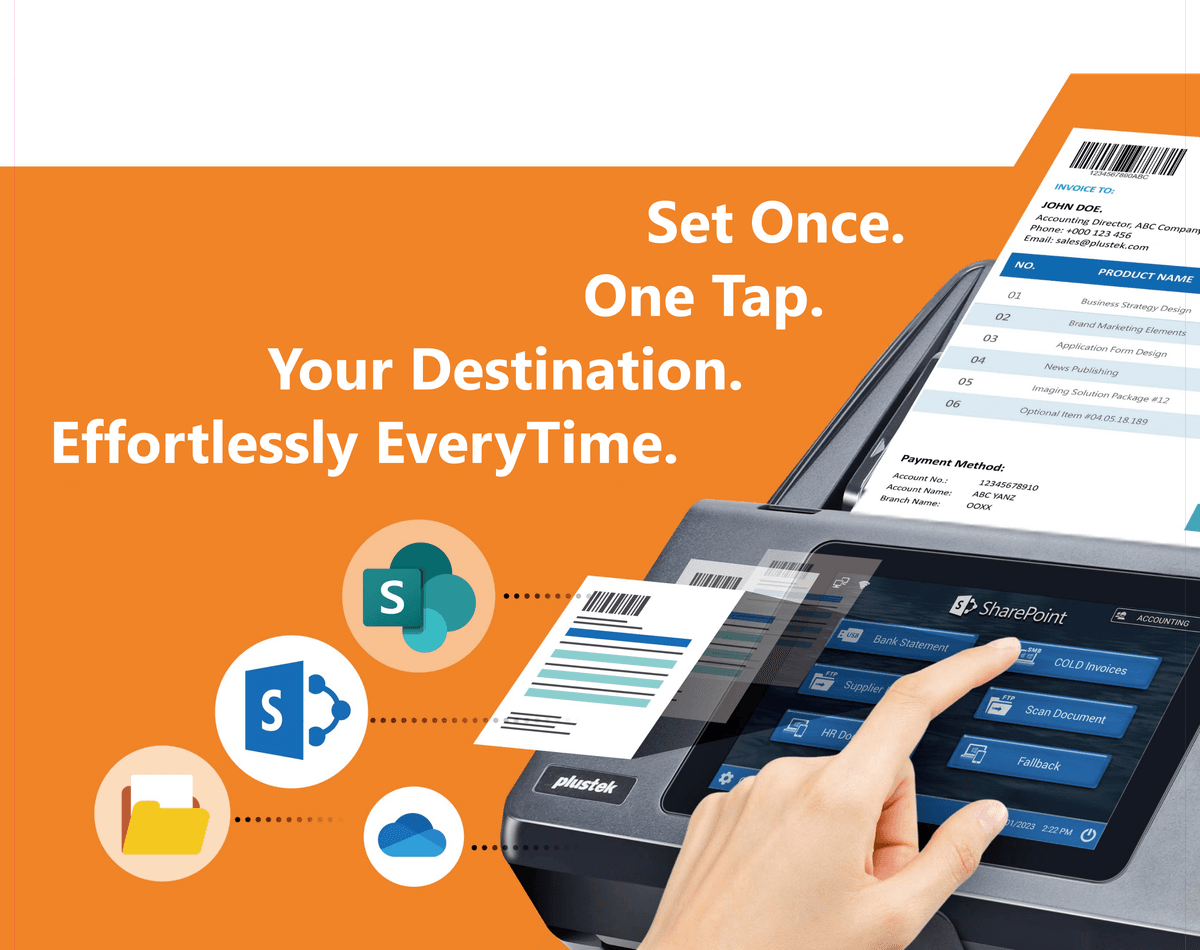


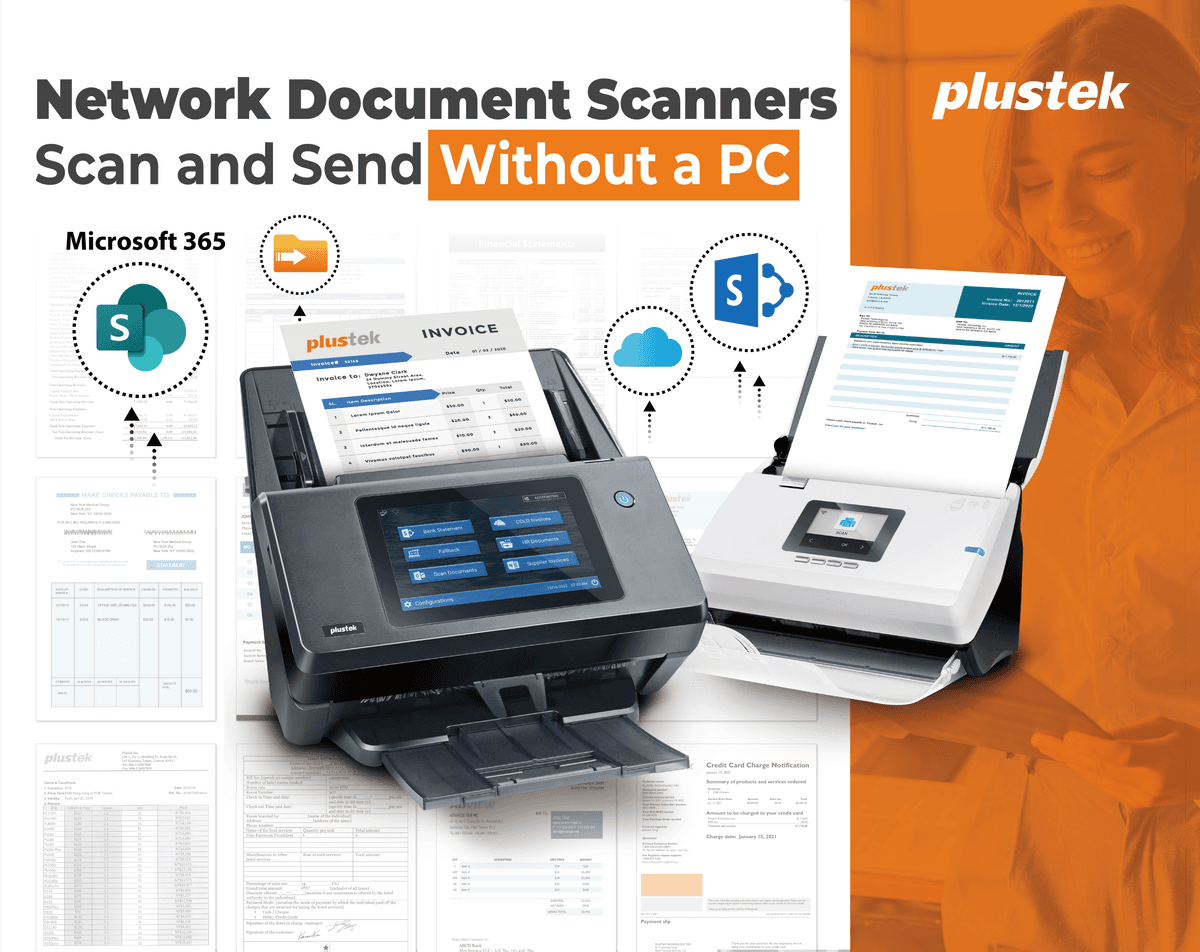
The eScan A450 Pro and A650 Pro are full network scanners with their own touchscreen. Walk up, pick a destination and tap — documents go straight to Microsoft 365, SharePoint, email and the cloud. No computer, no driver install, no IT ticket.
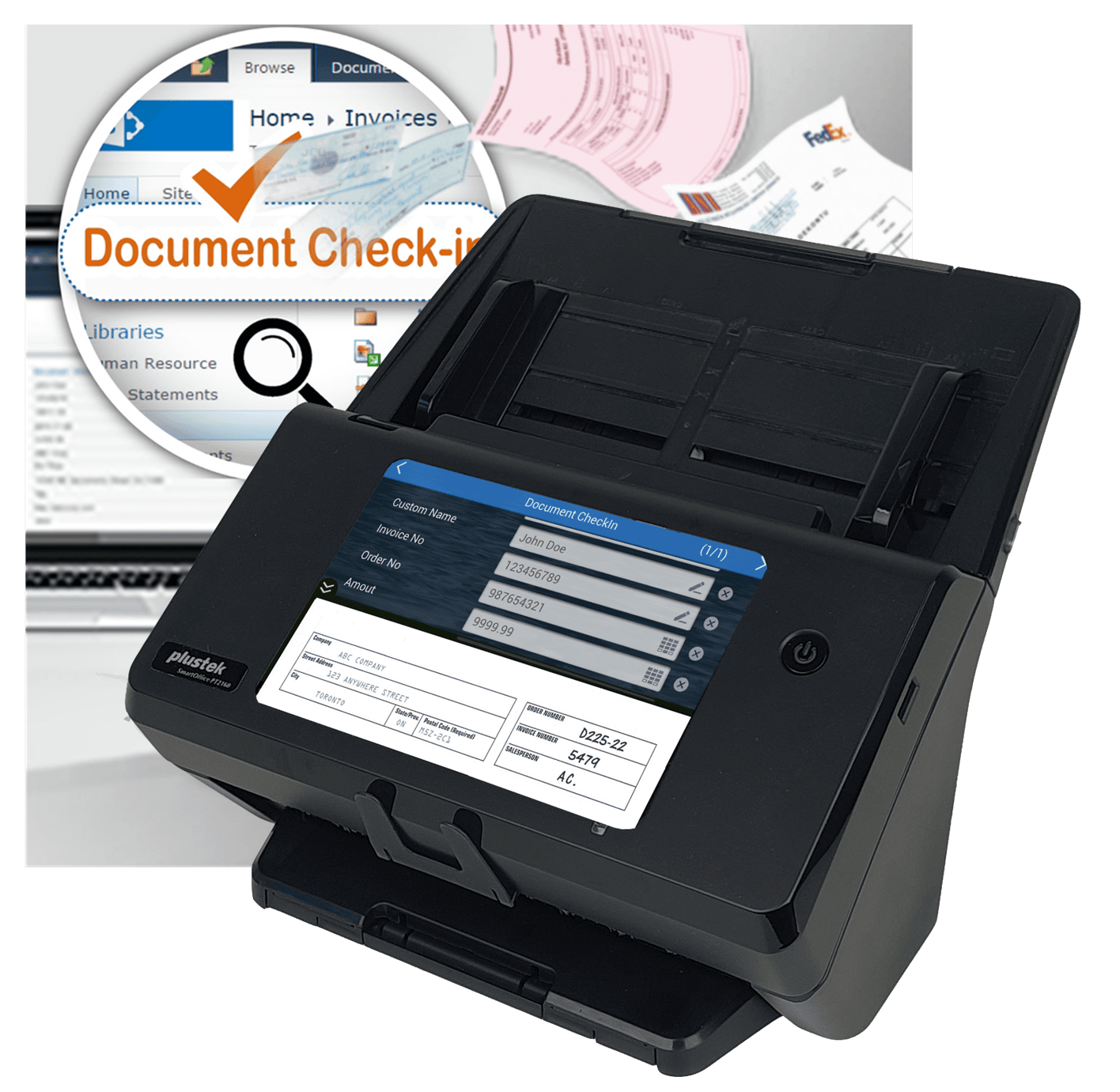
Don’t just dump files into a library. The eScan prompts for your SharePoint metadata — document type, department, matter or invoice number — right on the touchscreen at the moment of scanning.
Real document workflows the eScan range handles every day.
Capture invoices and statements straight to SharePoint, barcode-separated and searchable for audit.
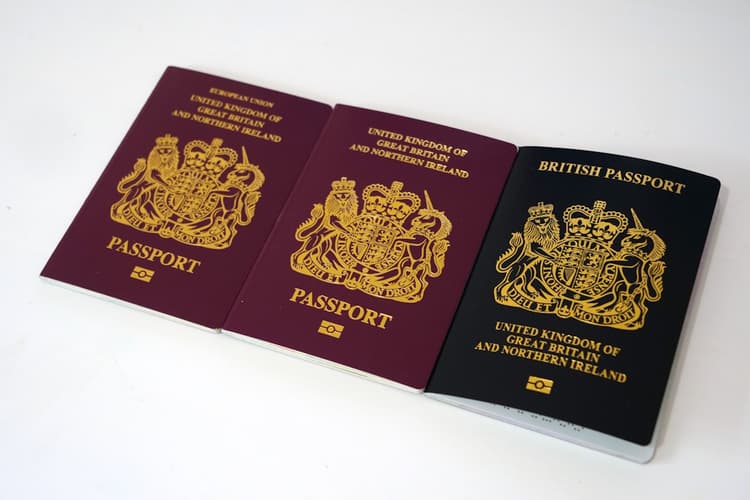
Digitise case files and long documents, with metadata check-in by matter number.

Scan patient and HR records at the desk into secure storage — no PC at the point of capture.
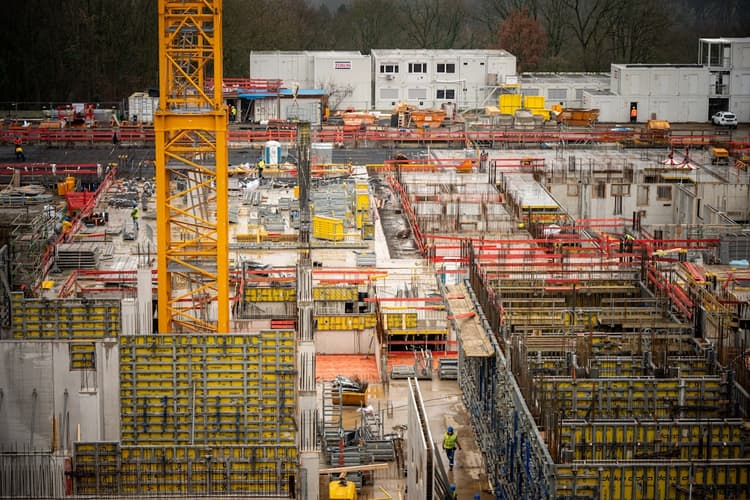
Send large-format drawings and site paperwork to the cloud in a single pass (A650 Pro).

Capture delivery notes and PODs with barcodes, routed straight into your ERP folders.

Route enrolment forms and records to Microsoft 365, consistently across every branch.
The two models side by side — pick A4/Legal office capture, or large-format up to A3 / 12" × 200".
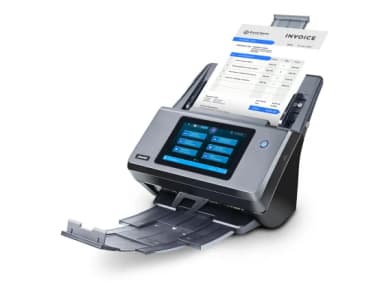 eScan A450 ProOffice · A4 / Legal eScan A450 ProOffice · A4 / Legal | 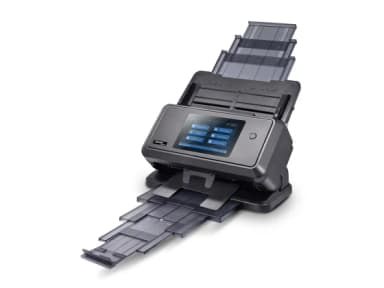 eScan A650 ProLarge format · to A3 / 12"×200" eScan A650 ProLarge format · to A3 / 12"×200" | |
|---|---|---|
| Imaging & speed | ||
| Image sensor | CIS × 2 (duplex) | CIS × 2 (duplex) |
| Light source | LED | LED |
| Optical resolution | 600 dpi | 600 dpi |
| Colour depth | 48-bit in / 24-bit out | 48-bit in / 24-bit out |
| Scanning speed | 60 ppm / 120 ipm (300 dpi, A4) | 60 ppm / 120 ipm (A4 landscape) · 45 / 90 (A4) · 35 / 70 (A3) |
| Built-in OCR | Yes — searchable PDF | Yes — searchable PDF |
| Media handling | ||
| ADF capacity | 100 sheets (A4) | 100 sheets (A4) · 50 (A3) |
| Max. scan area | 216 × 356 mm | 305 × 432 mm (12" × 17") |
| Long-paper mode | up to 216 × 5,080 mm | up to 305 × 5,080 mm (12" × 200") |
| Paper size range | 50.8 × 50.8 mm – 244 × 5,080 mm | 51 × 64 mm – 305 × 432 mm |
| Paper weight | 27–413 g/㎡ | 40–220 g/㎡ |
| Multi-feed detection | Ultrasonic | Ultrasonic |
| Daily duty cycle | 8,000 sheets | 18,000 sheets |
| Connectivity & output | ||
| Network | Ethernet + Wi-Fi | Ethernet + Wi-Fi |
| Interface | USB 2.0 Type-A × 2, Type-B × 1, RJ45 | USB 2.0 × 2, Type-B × 1, RJ45 |
| Scan destinations | USB · FTP/SFTP/FTPS · SMB 2.0/3.0 · SMTP · SharePoint (2010–2019 & M365) · OneDrive for Business · Outlook · OneNote · Exchange · Azure | USB · FTP/SFTP/FTPS · SMB 2.0/3.0 · SMTP · SharePoint (2010–2019 & M365) · OneDrive for Business · Outlook · OneNote · Exchange · Azure |
| Display | 7" 1280×800 IPS multi-touch | 7" 1280×800 IPS multi-touch |
| Protocol | TWAIN & Network TWAIN | TWAIN & Network TWAIN |
| Physical | ||
| Net weight | 4.1 kg | 6.8 kg (14.99 lbs) |
| Dimensions (W×D×H) | 319.9 × 298.2 × 236.6 mm | 405 × 272 × 297 mm |
| Power supply | 24 Vdc / 2.7 A | 24 Vdc / 2.7 A |
Specifications sourced from the official Plustek datasheets. Full details: A450 Pro · A650 Pro.
Read the complete specifications on the official Plustek site, or ask us to email you a spec sheet and quote tailored to your volumes.
Official specifications hosted on plustek.com.